Full-page OCR
Recognize text across scanned and image-based PDF pages.
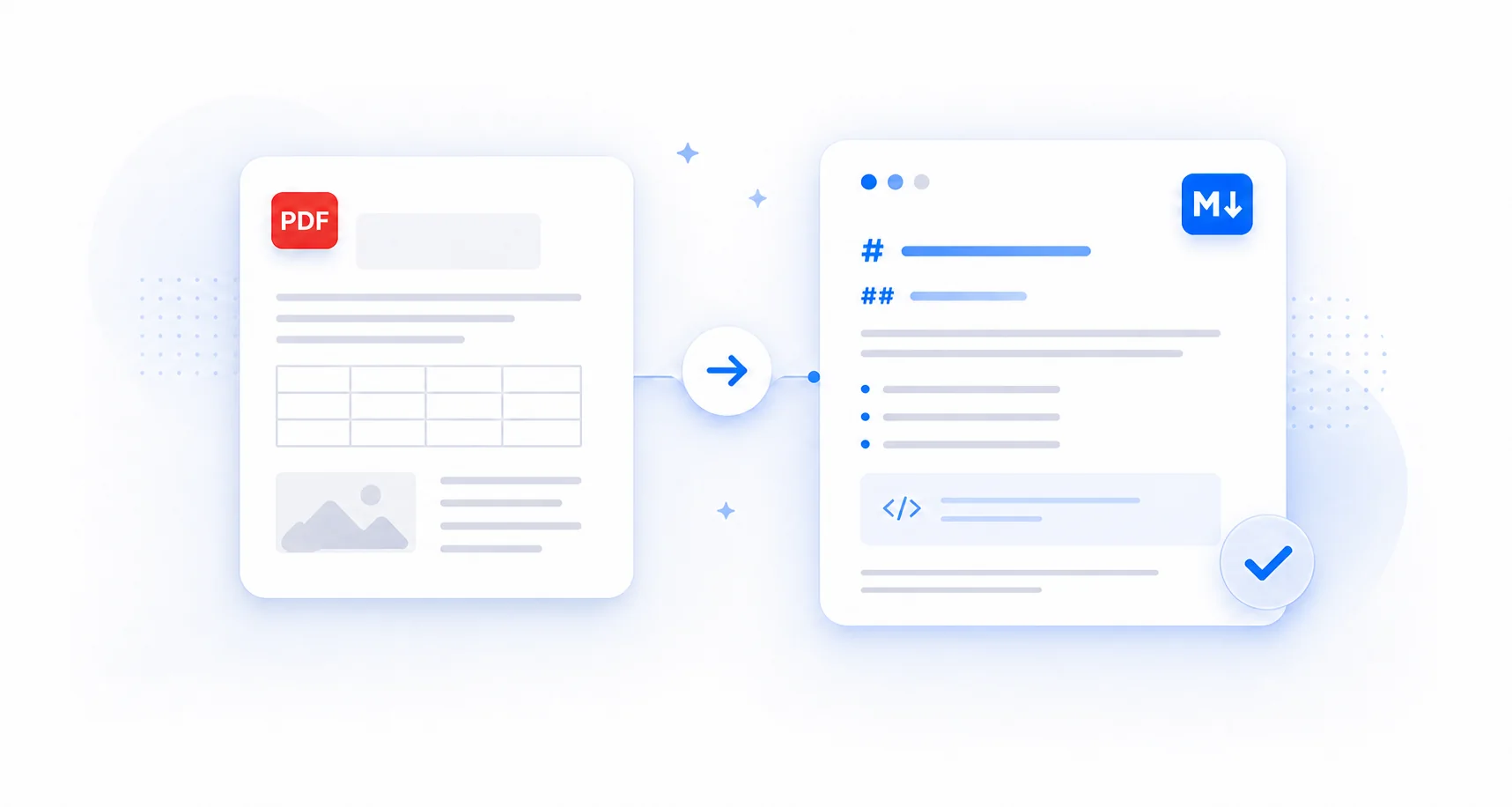
Convert scanned and image-based PDFs into structured, editable Markdown with full-page OCR. Preview the extracted text, copy it instantly, or download a .md file for AI, notes, documentation, and knowledge workflows.
Drop your scanned PDF here
Best for scanned and image-based PDFs. Full-page OCR, up to 10MB.
Uploaded for conversion. Automatically deleted after processing.
Recognize text across scanned and image-based PDF pages.
Start OCR conversion without creating an account.
Review the source and rendered result before export.
Temporary uploads are deleted after processing finishes.
A scanned PDF can look perfectly readable while its words exist only as pixels. An OCR PDF to Markdown converter reads those pixels and rebuilds the page as editable, structured text.
Digital PDFs usually store selectable text. Scanned PDFs store each page as an image, so ordinary extraction can return an empty result even when paragraphs, labels, numbers, and tables are clearly visible.
Full-page recognition and layout analysis recover useful structure such as headings, paragraphs, lists, and detected tables instead of producing only a plain transcript.
The result is searchable, editable, ready for AI tools and knowledge bases, and reusable as a clean .md file.
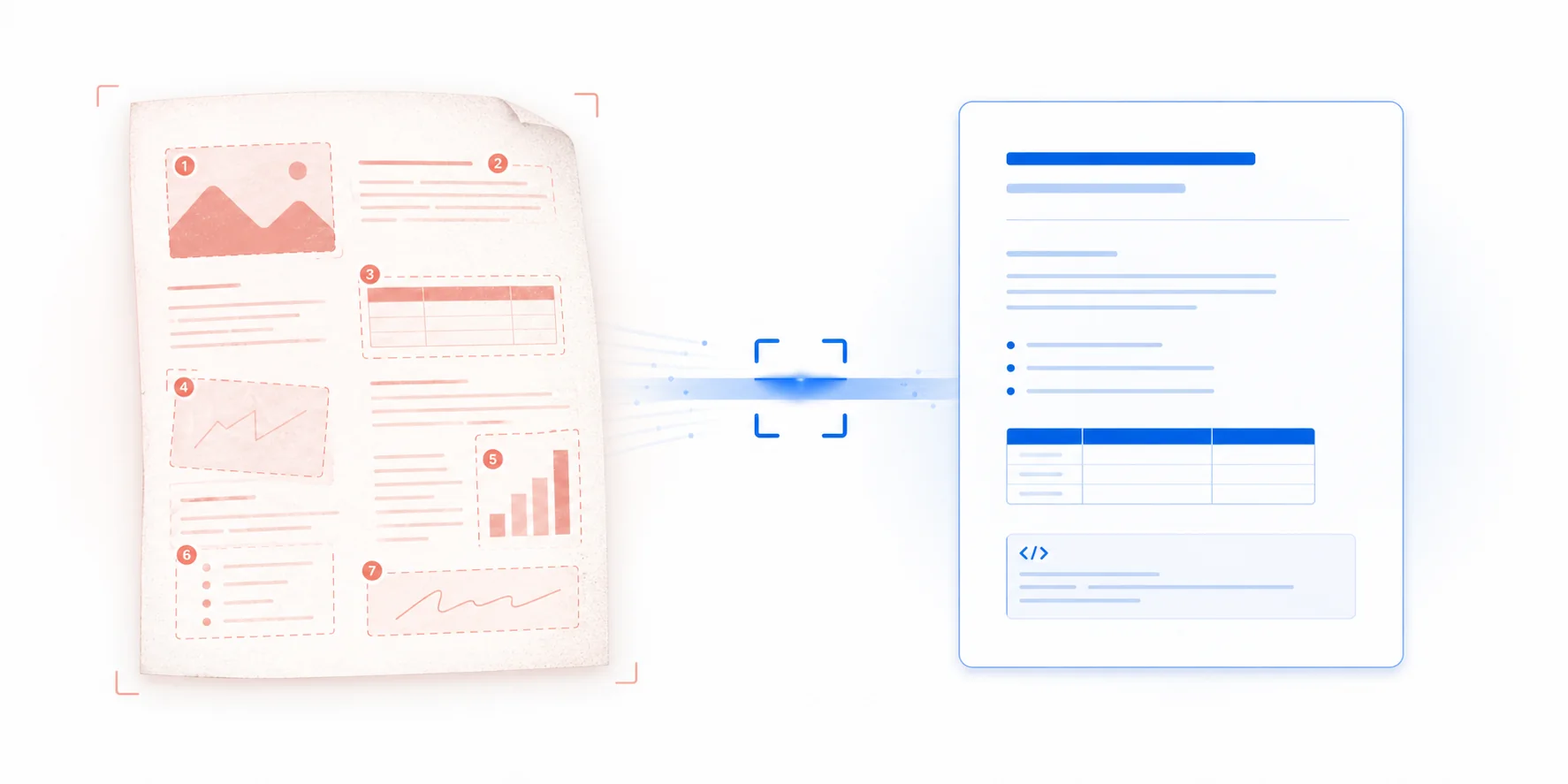
Use OCR mode when the visible words are part of the page image rather than a dependable PDF text layer. It reads the complete page and creates a fresh text representation for Markdown conversion.
The cursor selects the whole page like an image, or no individual words can be highlighted.
The PDF looks readable, but copied text is blank, incomplete, scrambled, or unrelated to the page.
Paper reports, archived records, book pages, manuals, and photographed documents need OCR first.
Headings, statistics, labels, and short text blocks are distributed across one image-heavy page.
Upload the scan, run full-page OCR, and export structured Markdown in one focused workflow.
Select a scanned, image-based, or infographic PDF up to 10MB. No account or software installation is required, and the original document is used only for the requested conversion.
The OCR pipeline reads the complete rendered page, analyzes layout regions, recognizes visible text, and detects useful document structure before creating the Markdown output.
Compare the Markdown source with its rendered preview, then copy the result instantly or download a .md file for your editor, notes, AI workflow, or knowledge system.
A conversion mode built specifically for scanned pages and image-based document content.
OCR mode renders and reads the complete PDF page, making it useful for scans, image-based documents, screenshots, and infographic-style layouts that do not behave like ordinary digital PDFs.
The converter analyzes page regions and reading order before producing Markdown. This gives headings, paragraphs, lists, and related text blocks a more useful structure than a basic image-to-text dump.
Detected table content can be reconstructed as Markdown tables, helping scanned reports, forms, schedules, and reference documents remain easier to review and reuse after OCR.
Recognized text is formatted into readable Markdown instead of being returned as one unstructured block. The result is ready for editing, searching, summarizing, and document workflows.
Check the raw Markdown source beside a rendered preview before exporting. This makes it easy to inspect headings, paragraphs, lists, and tables in the same conversion workspace.
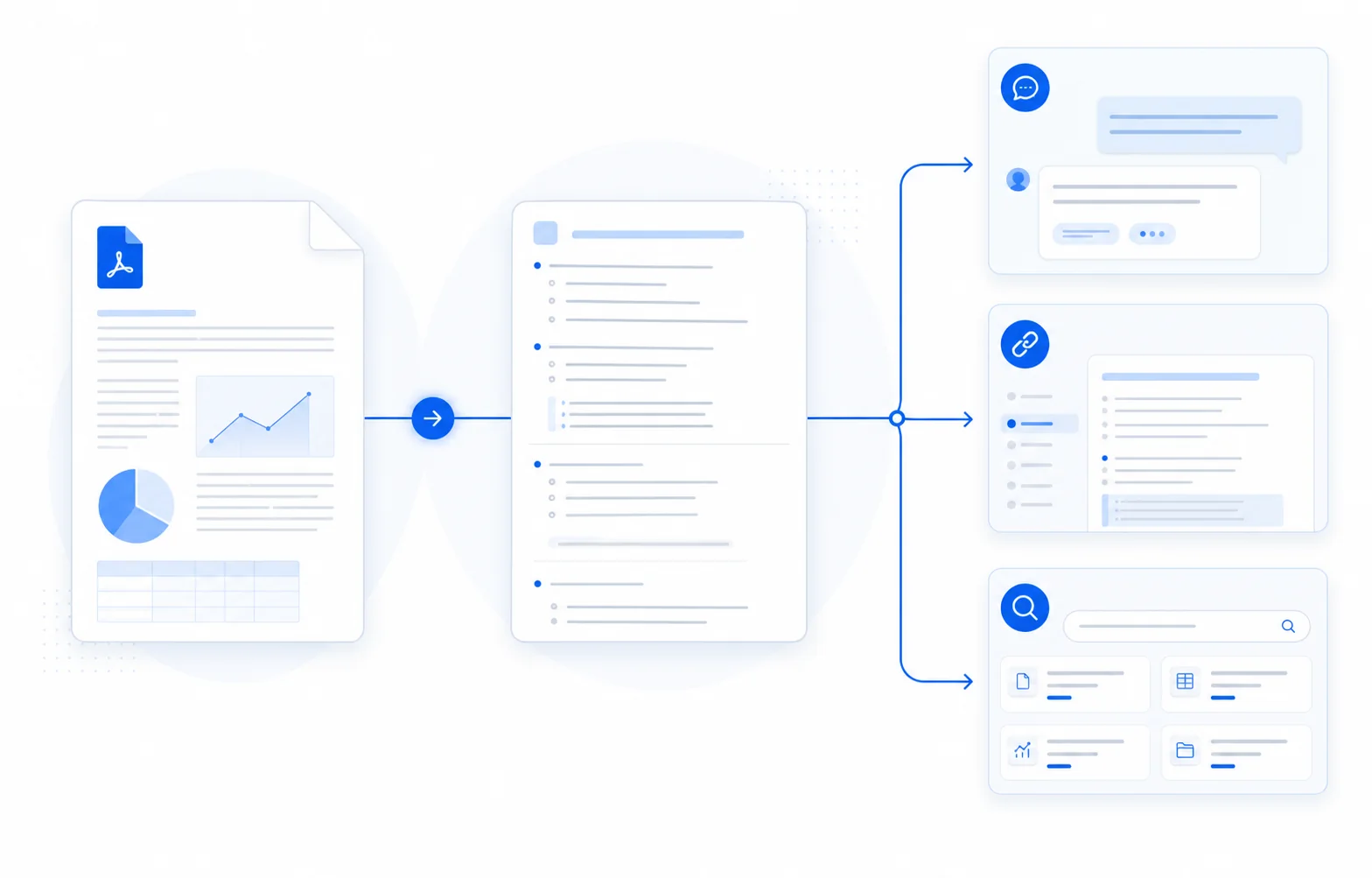
Copy the OCR result directly to your clipboard or download a reusable .md file for Obsidian, AI tools, documentation systems, knowledge bases, and plain-text editors.
Extract text from scanned PDFs and turn image-based documents into Markdown you can work with.
Turn scanned business reports, public records, policy documents, and printed handouts into Markdown that can be searched, quoted, summarized, and reorganized.
Recognize text distributed across infographic-style pages, including headings, statistics, labels, short explanations, and other content positioned inside a visual layout.
Convert scanned papers, course readings, book excerpts, and archived publications into editable text for notes, literature review, summarization, and study workflows.
Extract instructions, field labels, checklists, tables, and reference content from manuals, forms, guides, and other documents created from printed pages.
Create a searchable Markdown version of older records, historical material, organizational archives, and image-based PDFs stored without a reliable text layer.
Choose the mode that matches how the PDF stores its content.
| Text PDF | Scanned PDF |
|---|---|
| Contains selectable text | Pages are stored mainly as images |
| Uses standard layout-aware conversion | Uses full-page optical character recognition |
| Best for digitally created documents | Best for scans, photos, infographics, and archived pages |
| Open Text PDF mode | Current mode: Scanned PDF / OCR |
Not sure which mode to choose? Try standard conversion for a PDF with selectable text. Choose OCR mode when the file behaves like an image or ordinary extraction cannot find the visible words.
OCR makes the words available; Markdown makes the result easier to organize and reuse across modern tools.
Turn text trapped inside scanned pages into content you can search, correct, reorganize, quote, and maintain with ordinary text tools.
Give ChatGPT, Claude, and RAG pipelines structured text with recognizable headings, lists, and tables instead of a page image they must interpret from scratch.
Reuse the .md file in Obsidian, GitHub, VS Code, documentation systems, knowledge bases, and any workflow built around plain text.
Your scanned PDF is uploaded only for the OCR conversion you request. Processing is automatic, and the temporary upload is deleted after the conversion job finishes. Your document is not used to train AI models or retained as document storage.
Yes. OCR mode reads text from scanned PDF pages and formats the recognized content as Markdown. After conversion, you can inspect the Markdown source, view the rendered preview, copy the text, or download a .md file.
Standard mode is designed for digital PDFs that already contain selectable text. OCR mode reads the full rendered page and is designed for scanned pages, image-based documents, screenshots, and PDFs whose text layer is missing or unusable.
Yes. Full-page OCR recognizes text from PDF pages stored as images, then converts that content into structured Markdown. This is useful when selecting or copying text in the original PDF does not work.
OCR mode is suitable for infographic PDFs because it reads the visible page rather than relying only on an embedded text layer. It can extract headings, labels, statistics, and explanatory text into an editable Markdown result.
The conversion pipeline combines OCR with table detection. When a table can be identified from the scanned page, its cells can be organized into Markdown table structure for easier review, editing, and reuse.
Yes. Every successful conversion includes a Markdown source view, rendered preview, copy action, and .md download. The downloaded file can be opened in Obsidian, VS Code, GitHub editors, documentation tools, and other Markdown-compatible apps.
Yes. You can upload a supported scanned PDF, run OCR, preview the Markdown, copy the result, and download a .md file without creating an account. The current upload limit is 10MB per PDF.
Upload a scanned or image-based PDF, recognize its text with full-page OCR, and turn the result into Markdown you can preview, copy, edit, and download.